AI Art Unleashed: How Technology is Redefining Boundaries in Visual Expression and Experience
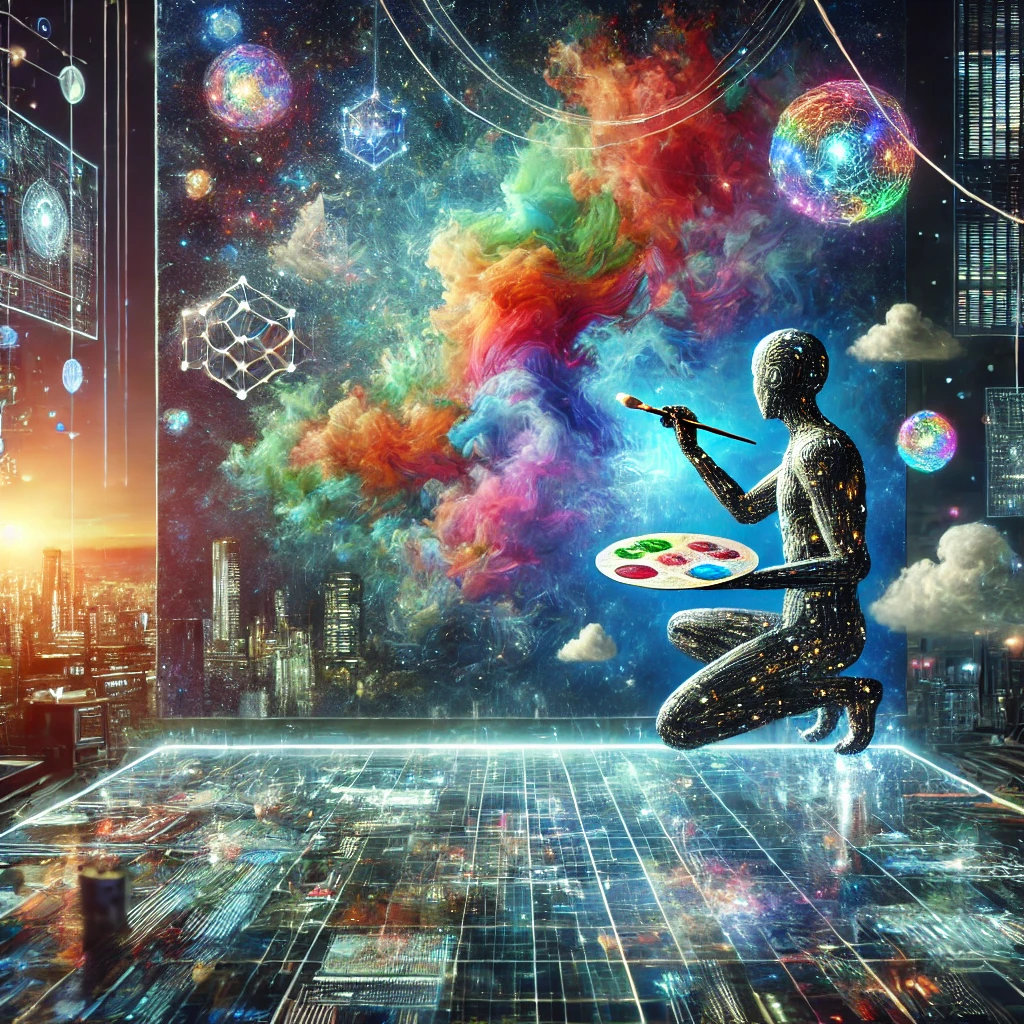
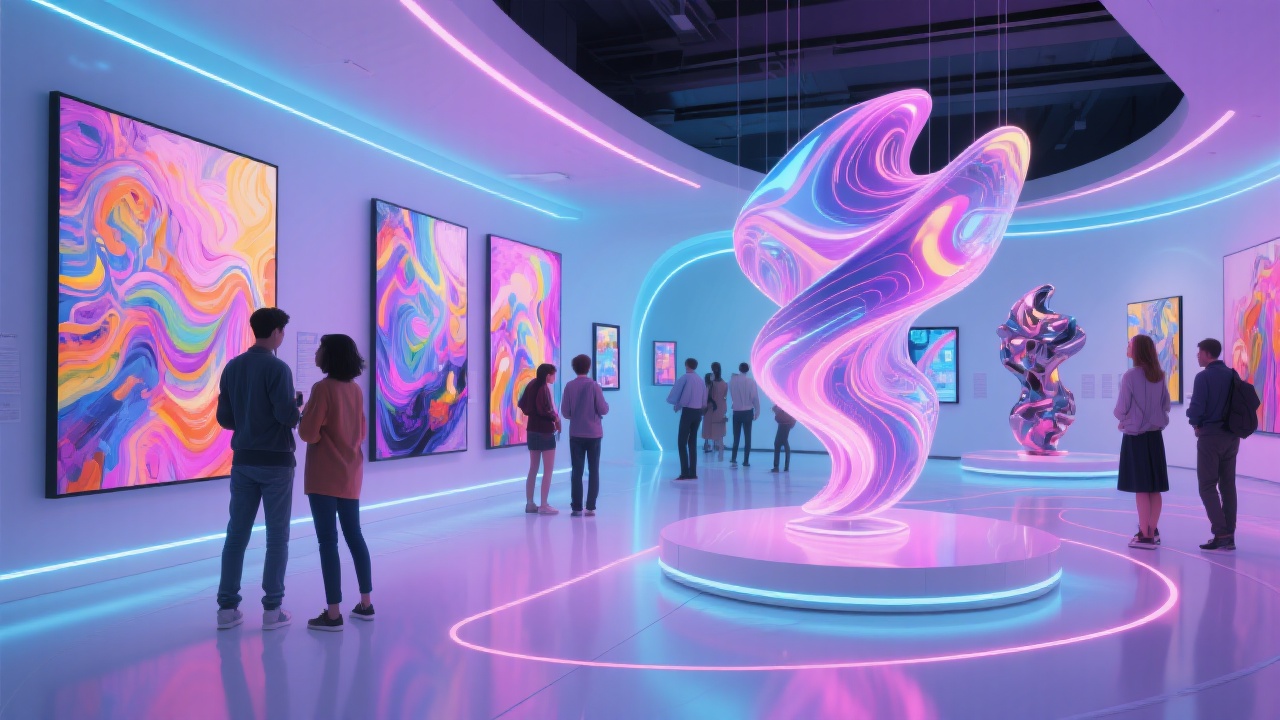
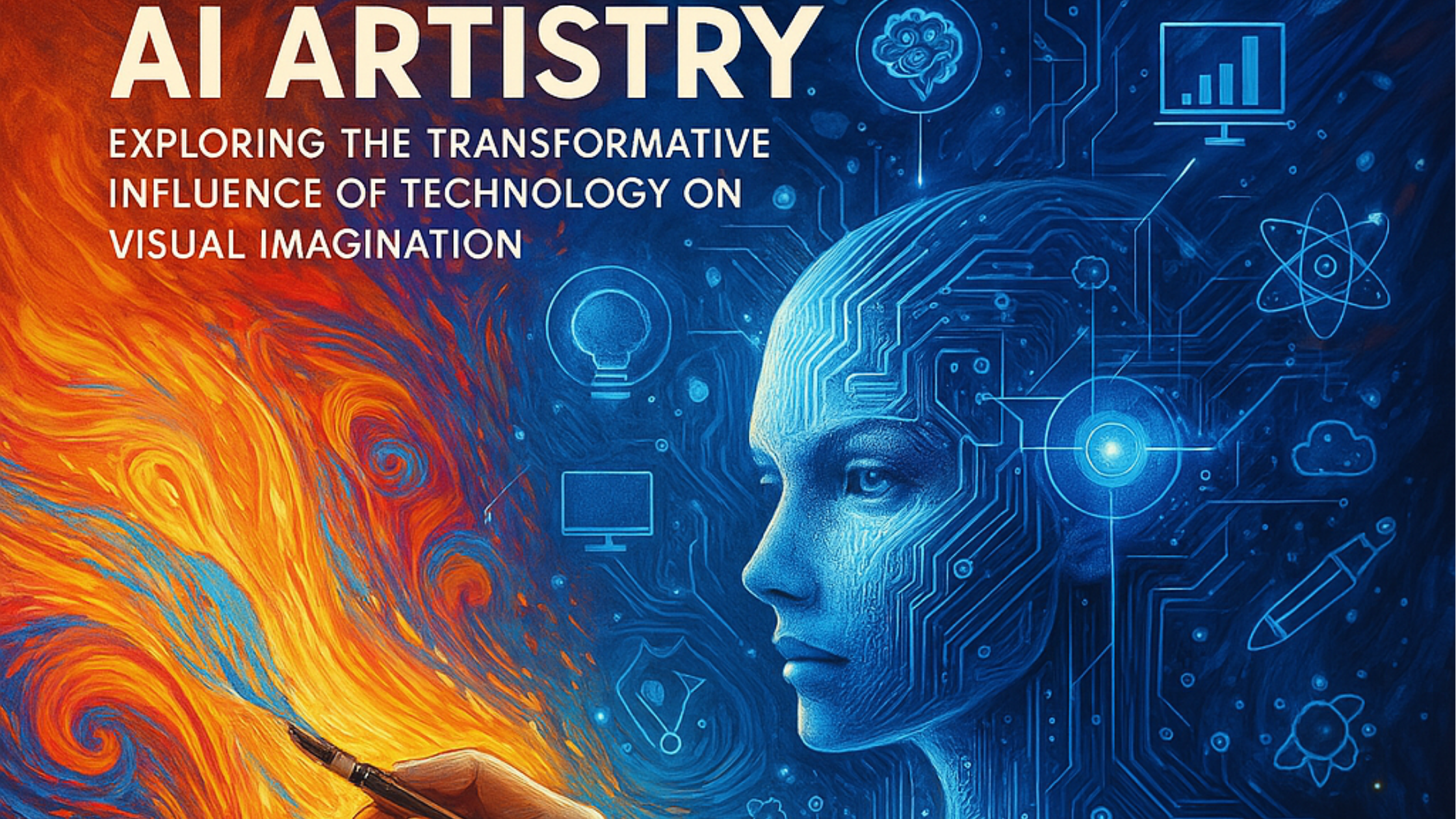
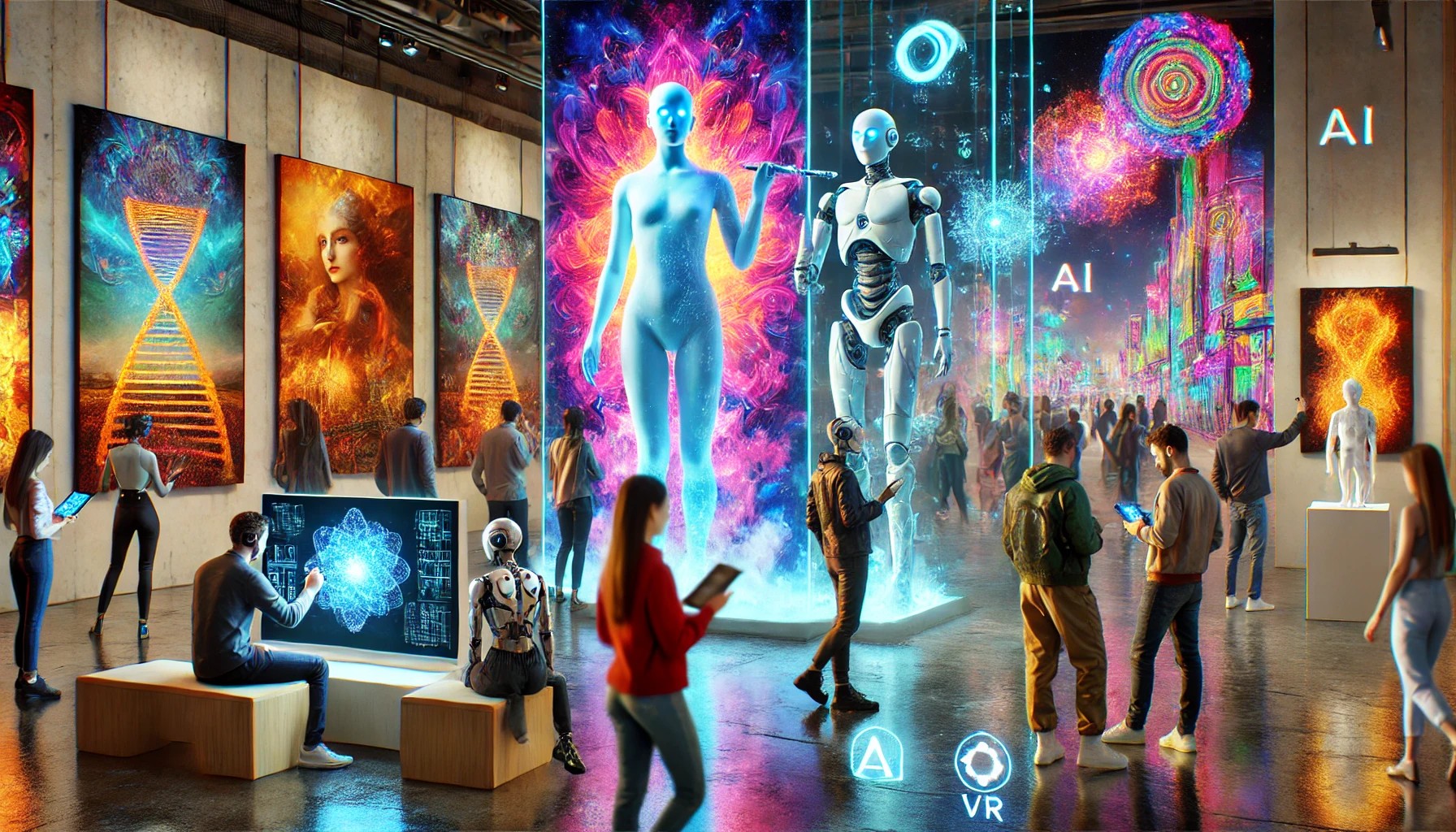
In recent years, artificial intelligence (AI) has emerged as a transformative force in the realm of visual arts. What was once considered the exclusive domain of human creativity is now being augmented—and in some cases, redefined—by sophisticated algorithms capable of generating stunning artworks. From abstract compositions to hyper-realistic portraits, AI art is pushing the boundaries of visual expression and challenging our perceptions of creativity.
The Evolution of AI in Art
The journey of AI in the art world began with rudimentary algorithms capable of generating simple patterns. However, advancements in machine learning and neural networks have led to the development of more sophisticated tools that can analyze vast datasets of existing artworks, learn from them, and produce original creations. This evolution has opened up new avenues for artists, designers, and hobbyists alike, allowing them to explore uncharted territories of creativity.
The Role of Generative Adversarial Networks (GANs)
At the heart of many AI art tools are Generative Adversarial Networks (GANs). These are sophisticated algorithms that consist of two neural networks: a generator and a discriminator. The generator creates images, while the discriminator evaluates them against real images. This back-and-forth process continues until the generator produces artwork that is indistinguishable from human-created pieces. GANs have become instrumental in creating high-quality AI-generated visuals, leading to a new genre of art that marries technology with creativity.
The Impact on Artists and the Art World
The rise of AI art has sparked debates about authorship, originality, and the definition of creativity. Some artists embrace AI as a collaborative tool, enhancing their creative process and expanding their artistic vocabulary. Others express concern that AI could dilute the value of human-created art or lead to a homogenization of styles.
Regardless of the differing opinions, one thing is clear: AI art is here to stay. It is reshaping how we think about art, creativity, and the role of technology in our lives. As AI continues to evolve, so too will the possibilities for visual expression, offering artists and audiences new ways to engage with art.
How to Create Stunning AI Art: A Step-by-Step Tutorial
If you’re intrigued by the possibilities of AI art and want to dive into this exciting field, you’re in the right place. This tutorial will guide you through the process of creating stunning AI art using popular tools like Midjourney, DALL-E , and Stable Diffusion. Whether you’re a seasoned artist or a complete novice, this AI art tutorial will provide you with the knowledge and skills needed to create captivating visuals.
Step 1: Choose Your AI Art Tool
1. Midjourney: Known for its ability to create surreal and imaginative artworks, Midjourney is a popular choice among artists looking for unique styles.
2. DALL-E : Developed by OpenAI, DALL-E is capable of generating highly detailed images from textual descriptions, making it a versatile tool for creative exploration.
3. Stable Diffusion: This tool is praised for its high-quality outputs and flexibility, allowing users to create everything from realistic portraits to abstract designs.
Step 2: Set Up Your Account
– Midjourney: Visit the Midjourney website and join their Discord server or visit openart.ai. You’ll need to create an account and follow the instructions to access the bot.
– DALL-E: Go to the OpenAI website, sign up for an account, and request access to DALL-E if you haven’t already.
– Stable Diffusion: You can either use an online platform that hosts Stable Diffusion or set it up locally on your machine if you’re comfortable with technical installations.
Step 3: Crafting Your Prompt
The key to generating high-quality images lies in how you phrase your prompts. Here are some tips for crafting effective prompts:
– Be Specific: The more details you provide, the better the output. Instead of saying “a cat,” try “a fluffy orange cat lounging on a sunlit windowsill.”
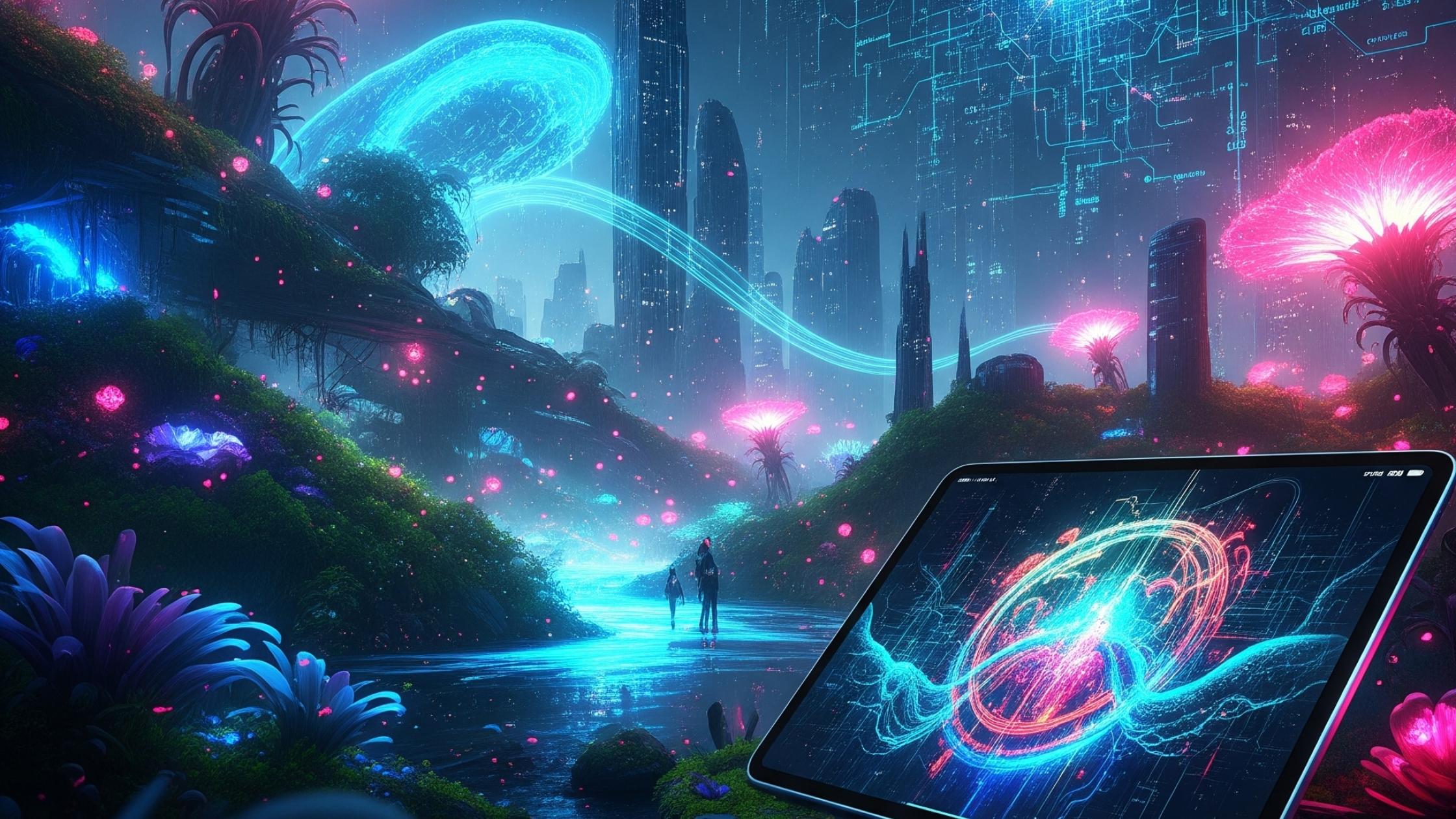
– Experiment with Styles: Include artistic styles or movements in your prompt, such as “in the style of Van Gogh” or “a futuristic cyberpunk city.”
– Use Descriptive Language: Adjectives can help convey the mood or atmosphere you want to create. For example, “a serene landscape at sunset with vibrant colors.”
Step 4: Generating Your Artwork
Midjourney Tutorial
1. Navigate to a Bot Channel: In the Midjourney Discord server, find a bot channel.
2. Enter Your Prompt: Type `/imagine` followed by your crafted prompt.
3. Review Outputs: After a short wait, Midjourney will generate four images based on your prompt. Choose the one you like best.
4. Upscale or Variate: You can upscale the selected image for higher resolution or create variations based on it.
DALL-E Tutorial
1. Access the DALL-E Interface: Log into your OpenAI account and navigate to the DALL-E section.
2. Input Your Prompt: Type your descriptive prompt into the text box and hit “Generate.”
3. Select and Edit: Review the generated images, and select your favorite. You can also use the editing features to adjust aspects of the image.
Stable Diffusion Tutorial
1. Launch the Application: If using an online platform, navigate to it. If running locally, execute the command to start the app.
2. Enter Your Prompt: Input your prompt in the designated field.
3. Customize Parameters: Adjust settings like resolution, style, and iterations to optimize your results.
4. Generate: Click the generate button and wait for your artwork to be created.
Step 5: Post-Processing Your Artwork
Once you have your AI-generated images, consider using image editing software like Adobe Photoshop or GIMP for further refinement. You can adjust colors, add textures, or combine multiple images to create a cohesive piece.
Step 6: Share Your Creations
Don’t forget to share your AI art on social media platforms or art communities. Use hashtags like #AIArt, #Midjourney, #DALL-E, and #StableDiffusion to connect with other enthusiasts and gain feedback.
Conclusion
Creating AI art is an exciting journey that blends technology with creativity. By following this step-by-step tutorial, you’ll be well on your way to producing stunning visuals that showcase your unique artistic vision. Remember, experimentation is key—don’t hesitate to try different prompts, styles, and tools to discover what resonates with you. Embrace the possibilities of AI art, and let your creativity run wild!